
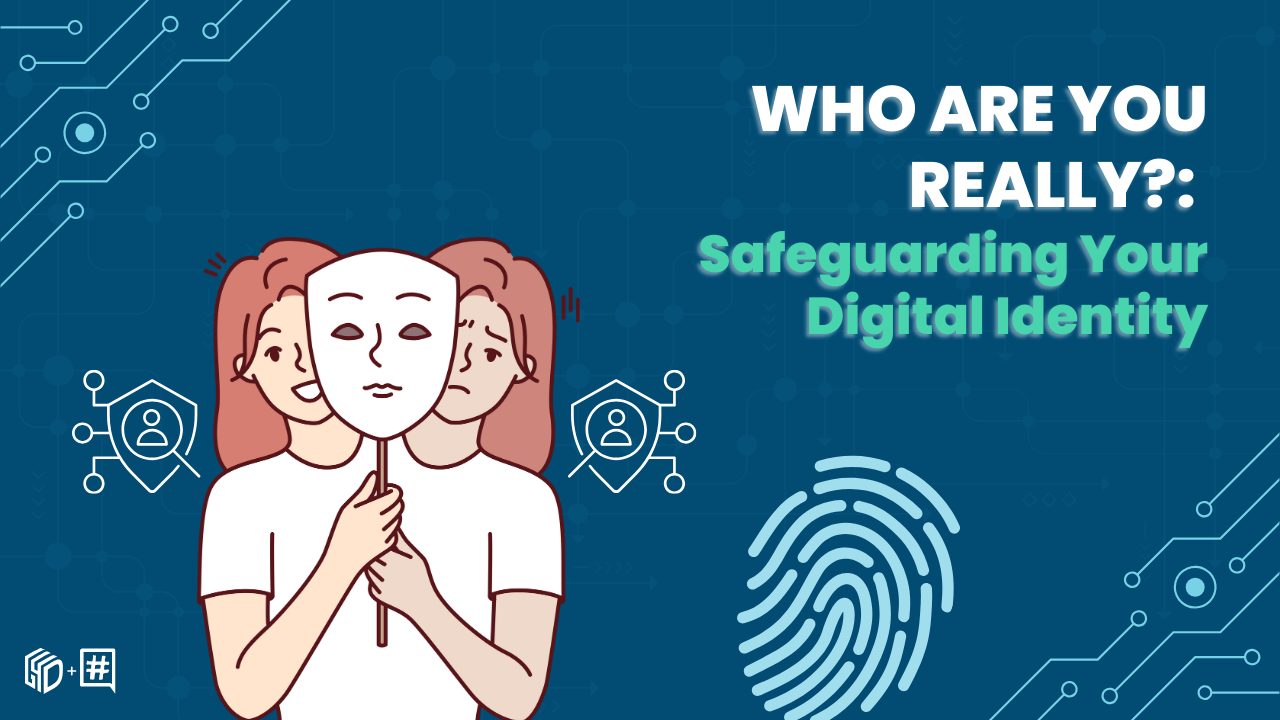
Protecting Your Identity Online
In 2025, your digital identity is as valuable as your physical one. Here is how to protect it.
Your Digital Footprint
Every action online leaves a trace:
- Social media posts and likes
- Search history
- Purchase records
- Location data
- Email metadata
Strong Password Practices
✅ Use a password manager (Bitwarden, 1Password)
✅ Enable two-factor authentication everywhere
✅ Use unique passwords per site
✅ Minimum 16 characters
❌ Never reuse passwords
❌ Never use personal info in passwords
Two-Factor Authentication
2FA adds a critical second layer. Priority order:
1. Hardware keys (YubiKey) — Most secure
2. Authenticator apps (Aegis, Google Auth) — Very secure
3. SMS codes — Better than nothing, but SIM-swappable
Social Engineering Awareness
Most breaches begin with human error, not code:
- Phishing — Fake emails mimicking trusted services
- Vishing — Voice calls impersonating support staff
- Pretexting — Fabricated scenarios to extract info
Rule of thumb: Legitimate organisations never ask for passwords or OTPs via phone or email.
Privacy Settings Audit
Do this monthly:
1. Review app permissions on your phone
2. Check which apps have access to your Google/Apple account
3. Review social media privacy settings
4. Search your own name online
5. Enable login alerts on critical accounts
VPN Usage
A VPN hides your traffic from your ISP and local network. Use one on:
- Public Wi-Fi
- Work networks you don't control
- When accessing sensitive accounts
Stay Informed
Cyber threats evolve daily. Subscribe to:
- Have I Been Pwned alerts (haveibeenpwned.com)
- National cybersecurity agency bulletins
- Security-focused newsletters
0 Comments
Join the conversation
No comments yet. Be the first!